
Your timetable,
on-device.
Open the school’s staff timetable PDF, find your name, and get your own week — read entirely on your device. See what’s on right now, what’s next, and where any colleague is.
Add to Chrome — coming soon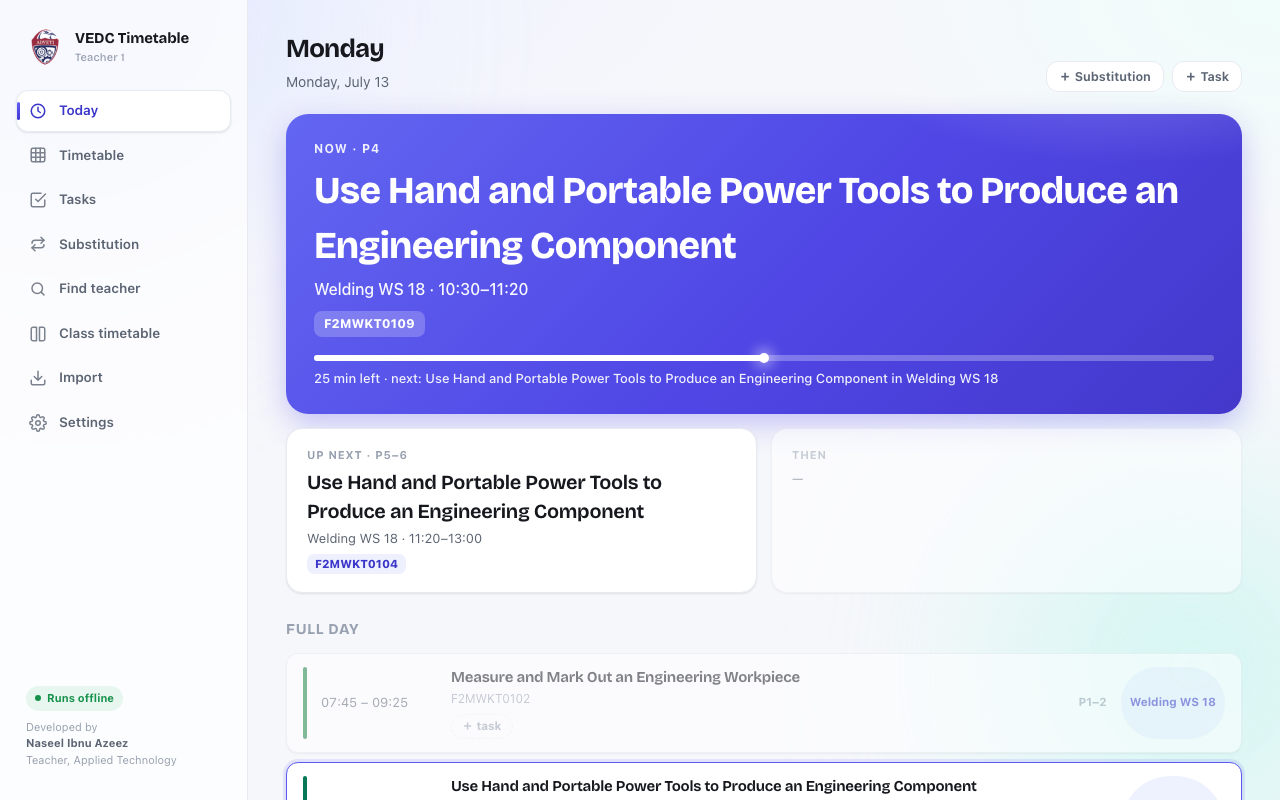
Import from the staff PDF
Drop in the full school timetable PDF and pick your name. It is read on your device by a bundled offline PDF engine — nothing is uploaded.
Now & next
The toolbar popup and Today view show your current class, how many minutes are left, and what is coming up next.
Editable week grid
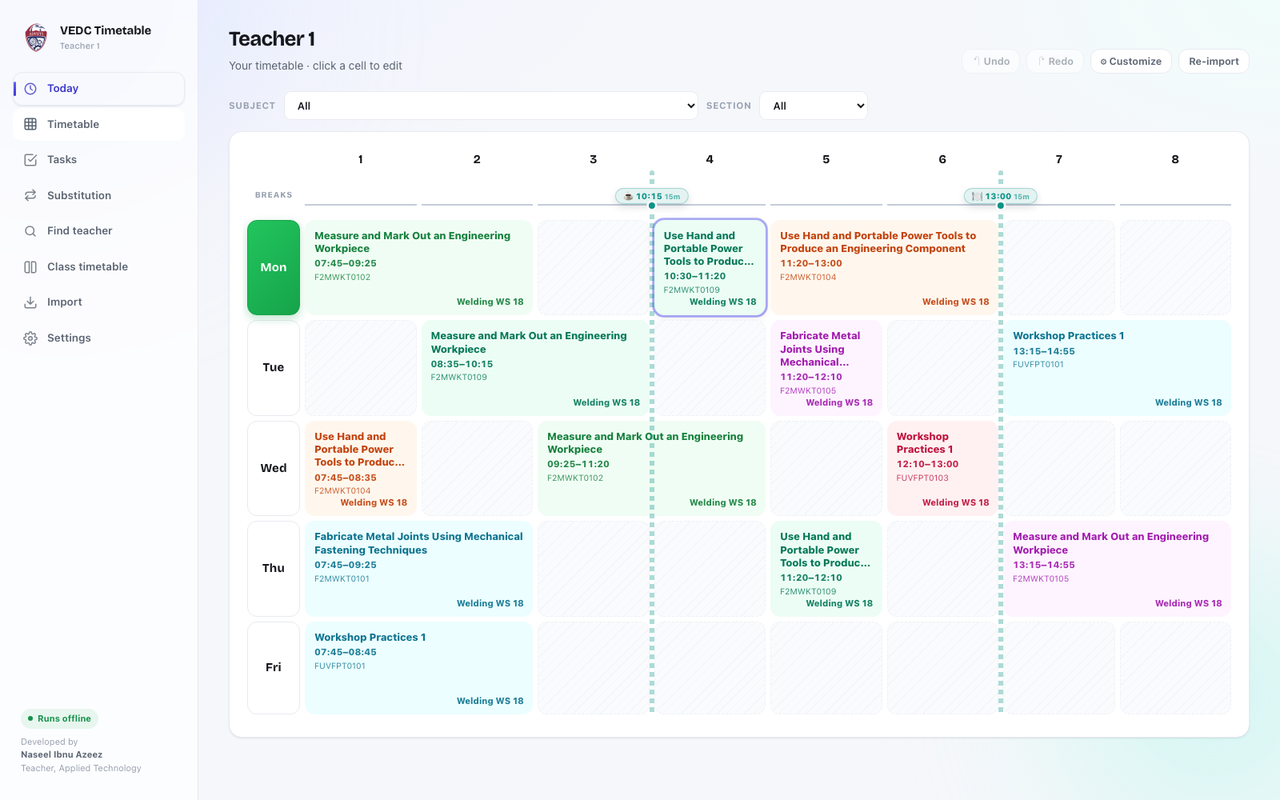
A colour-coded grid that mirrors your printed timetable, with break times marked. Click any cell to fix or add a class.
Class timetables
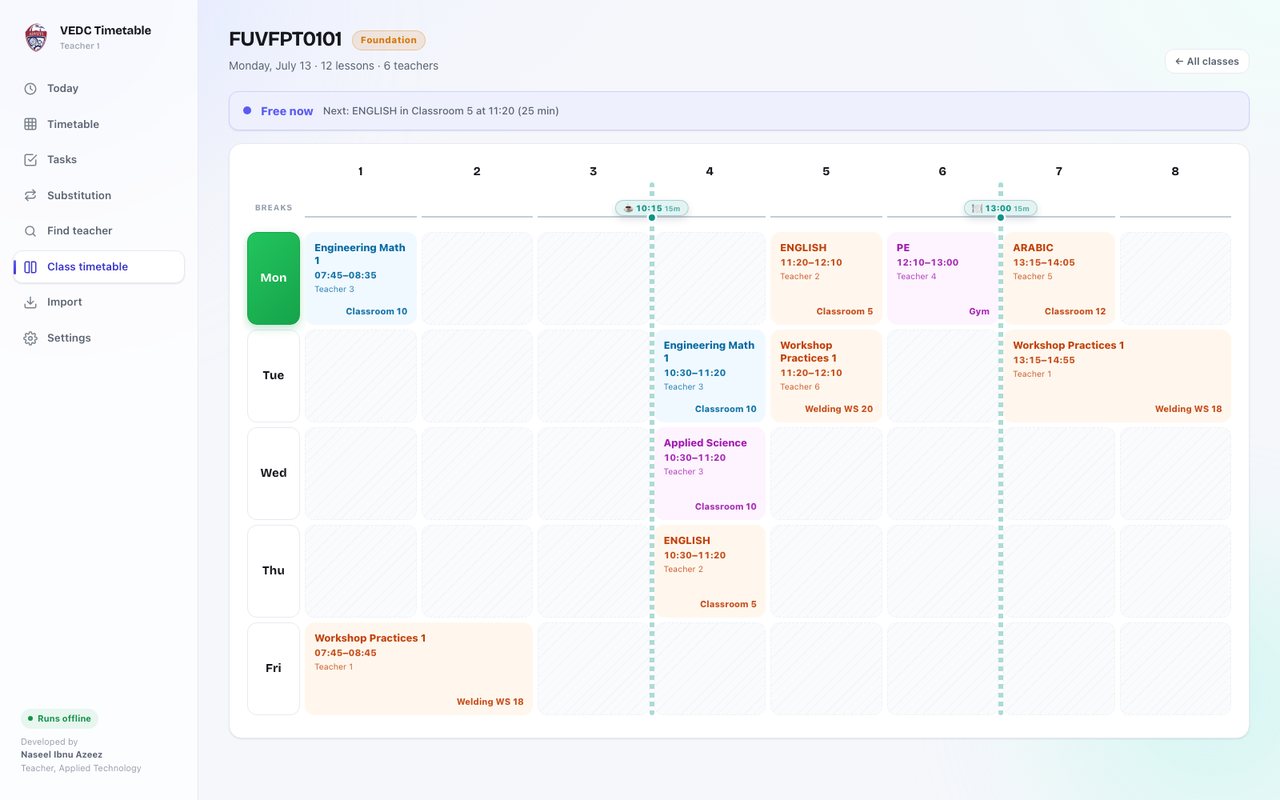
Every class timetable is worked out from the same PDF — no second import. See a whole group’s week, grouped by level.
Find a teacher
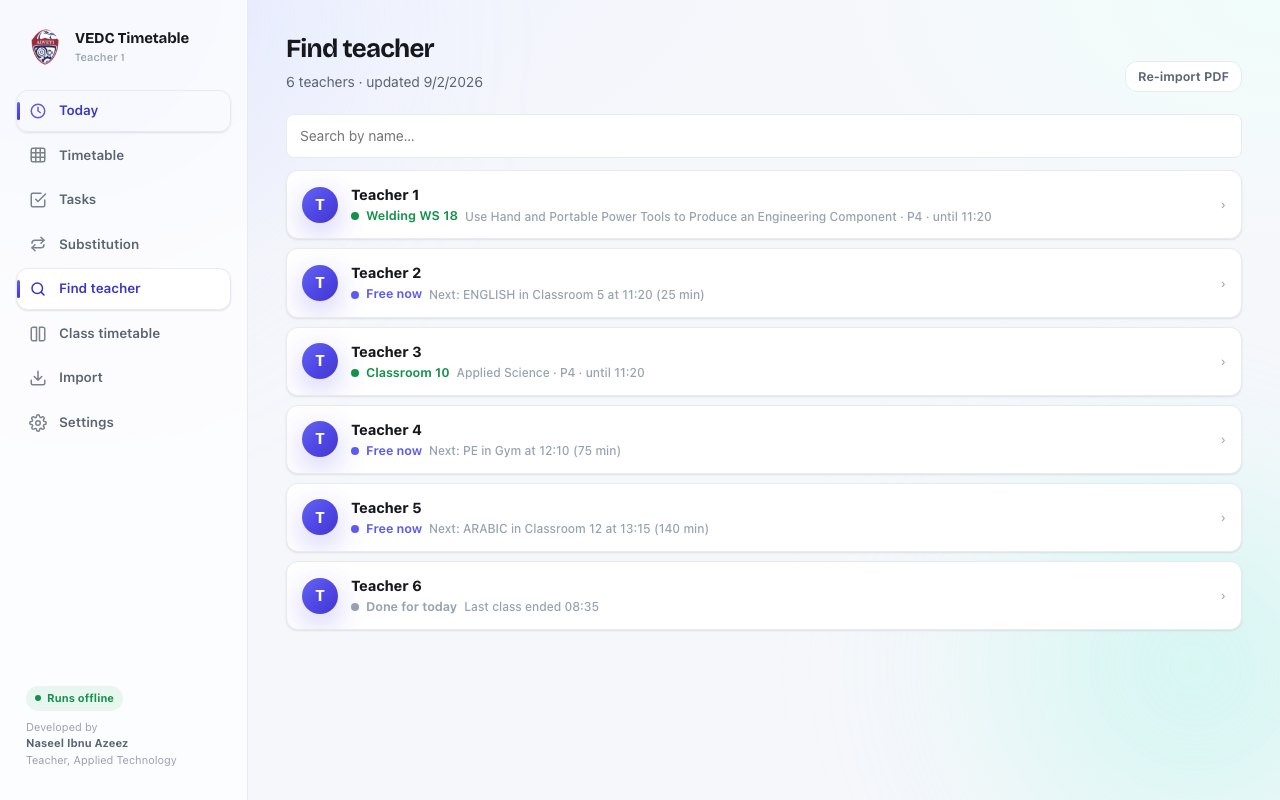
Search any colleague to see their week and where they are right now — in class, free, or done for the day.
Tasks & cover lessons
Pin reminders to a period and get a local notification, and record substitution lessons alongside your own.
What it looks like
Sample data shown — your own timetable stays on your device.
Three steps to a live schedule
Import — drop in the school timetable PDF; it is read on your device.
Find your name — search the staff list, confirm it is you, and save.
Go — now & next, your week, class timetables and colleagues — all offline.
Need a hand?
Setup help, troubleshooting and answers to the common questions.